
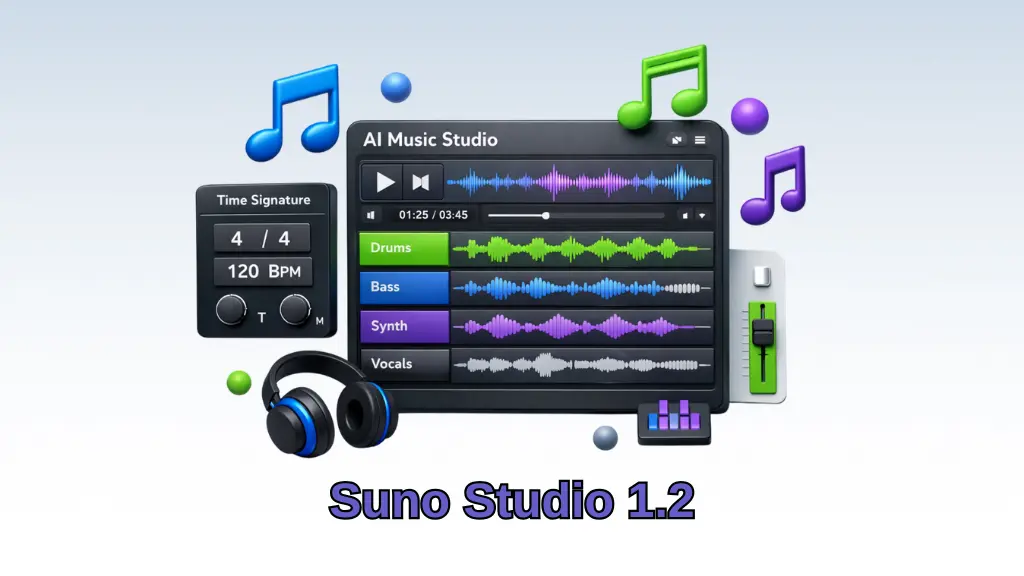
Suno Studio 1.2, Advanced AI Music Generator with More Control
AI music generation platforms are increasingly capable, but user control has always been the missing link. At Suno Studio 1.2, this changes. The updated version of Suno’s platform brings in-depth editing tools and higher accuracy for creators who want to be flexible without leaving the interface.
It makes Suno a more professional-grade AI music creator by mixing automation and manual control.
🎛What’s New in Suno Studio?
The update takes the users one step closer to having the kind of control that a digital audio workstation (DAW) has over rhythm, structure, and sound design, all of this without ever signing up to a different software.
New Features added:
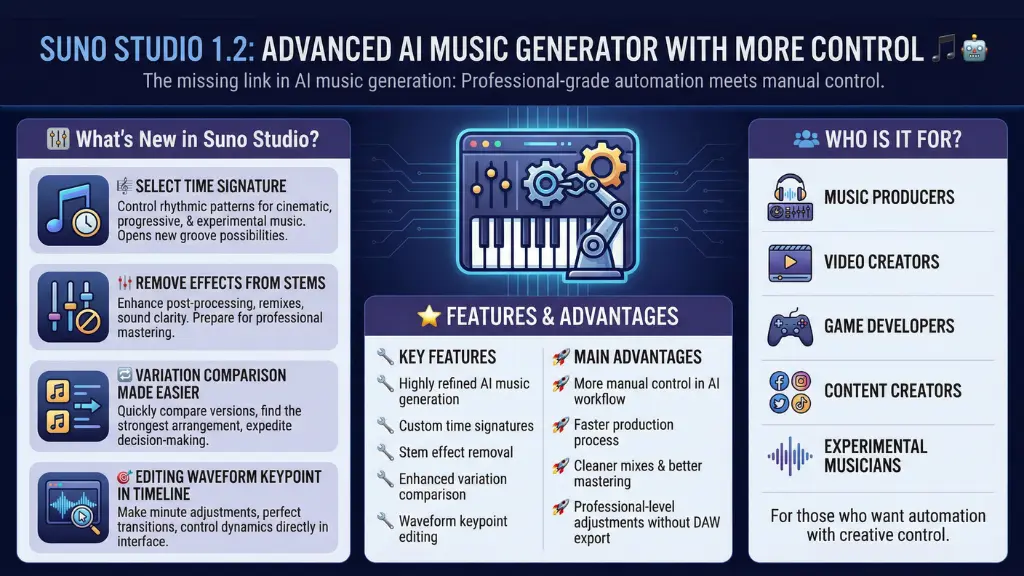
- 🎼 Select Time Signature
- 🎚 Remove Effects from Stems
- 🔁 Variation Comparison Made Easier
- 🎯 Editing Waveform Keypoint in Timeline
These features blur the line between an AI music generator and a digital audio workstation (DAW) experience.
🎼 Time Signature Selection
Formerly, AI music generators typically only allowed users to stick to the default rhythmic patterns. Now, picking the time signature of the music opens up whole new possibilities for groove and composition control.
This feature will especially benefit:
- uncommon rhythmic patterns
- cinematic compositions
- progressive and experimental music
- genre-based production
It is a significant renovation in terms of structure for those who are channeling their inner musical architect.
🎚 Stem Cleanup with Effect Removal
Suno Studio 1.2 gives you the option to remove the effects that were used on each stem.
In other words:
- post-processing becomes more effective
- remixing gets much easier
- sound clarity is enhanced
- mastering becomes a more finely controllable stage
This option also helps the AI music generator of Suno gear up for the professional world of music production.
🔁 Compare Variations More Quickly and Easily
Most other AI-generating music tools churn out a few different versions of a track. You can compare your different versions even better with Suno Studio 1.2.
Imagine you no longer have to:
- go up and down between separate downloads
- rummage through the details of each version
- find the strongest arrangement of the song
This drastically expedites your creative decision-making process.
🎯 Edit Directly on the Waveform
Among the most influential features is the ability to do keypoint editing right on the waveform timeline.
You Have the Ability to:
- make minute adjustments to the different parts of the song
- perfect the transitions between different sections
- control the dynamics and the overall feel of the musical piece
- change small details in the song
All this without the necessity to go through the hassle of exporting to other software.
This not only keeps the workflow smooth, that is, automation plus manual refinement together at one place.
⭐ Features and Advantages
🔧 Key Features
- Highly refined music generating AI
- Selection of custom time signatures
- Stem effect removal
- Enhanced variation comparison
- Waveform keypoint editing
🚀 Main Advantages
- More manual control inside AI workflow
- Faster production process
- Cleaner mixes and better mastering potential
- Professional-level adjustments without DAW export
👥 Who Is It For?
Suno Studio 1.2 is perfect for the following kind of users:
- Music producers
- Video creators
- Game developers
- Content creators
- Experimental musicians
This AI music generator is perfect for those who want automation with creative control.
✅ Final Thoughts: Automation Meets Precision
Studio 1.2 has enabled Suno to take a step higher in the AI music field. The updated version does not only run music; it also allows users to edit the generated music tracks.
The addition of more options for rhythmic control, cleaner stems, smarter comparisons, and timeline editing are the features that make Suno a tool suitable for the modern-day creators.
👉 Give Suno Studio 1.2 a spin and see what AI can do to your music production performance. And btw, don’t forget to look at the AI Audio & Music category, in the site menu for more creative tools.
