Tabl – The Collaborative Browser
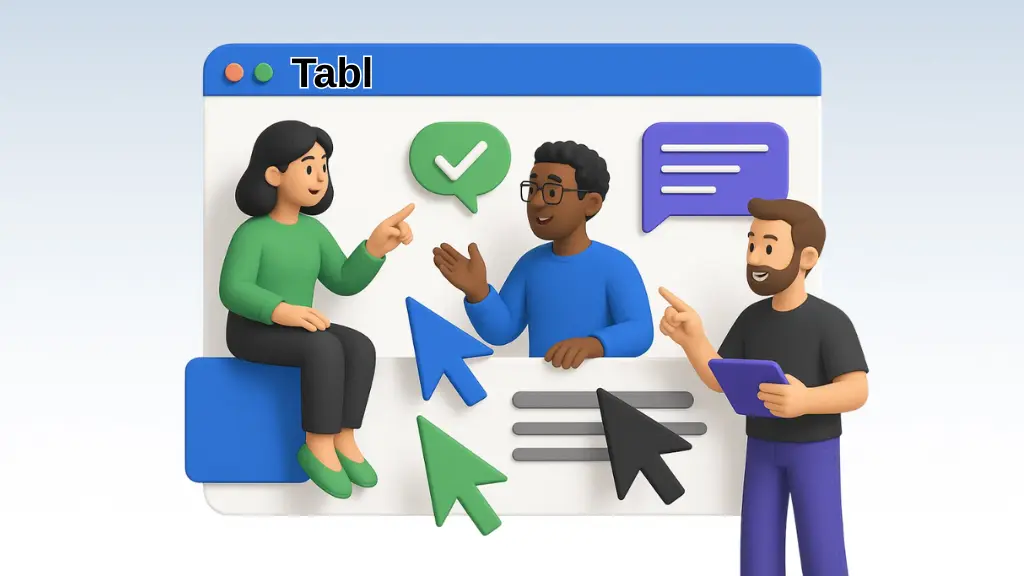
Do you remember when you wanted to just sit next to someone online and do a browsing together? Now with Tabl, it is possible. This collaborative browser allows you and your colleagues to share a browser tab and work on any website — together, live, and without any setup.
It’s the same as screen sharing — but a step further. Everyone has the right to control, to click, scroll, and interact, and if you want it — you can even see the cursors of others in real time.
How Tabl Works
Tabl makes collaboration feel natural:
- 🔗 Share access to almost any website with one link.
- 🖱️ See all participants’ cursors on the tab in real time.
- 🚫 No installs or logins — just click and join.
- 👥 Up to 4 users for free.
- 🧑🎨 Perfect for designs, slides, or browser games.
Rather like a shared desk, it is the digital joint office — whether you are coming up with a campaign, playing a game, or looking at a portfolio.
Who Is It For?
🎨 Designers & Creatives
Go over those Figma boards, Behance portfolios, or design systems together, not just watching passively.
🎓 Educators & Students
This is untouchable for traveling across assignments, reviewing online resources, or solving problems collaboratively.
🕹️ Friends & Gamers
That is also a great way to play browser-based games as if you were on the same couch. Perfect for long-distance hangouts.
💼 Remote Teams
By doing this, you can work on dashboards, presentations, or explore tools without screen lag or Zoom fatigue as a unit.
Why Tabl Stands Out
- ✅ Share live websites, not screens;
- ✅ Real-time interaction with visible cursors;
- ✅ No software installs;
- ✅ Fast link-based access;
- ✅ Free plan supports 4 users.
Conclusion
Experience seamless collaboration directly in your browser.
👉 Use tool — it’s free and instant!
Also, remember to have a look at our AI Productivity Tools section. It’s in the menu!