Mirage – AI That Generates Video Avatars!
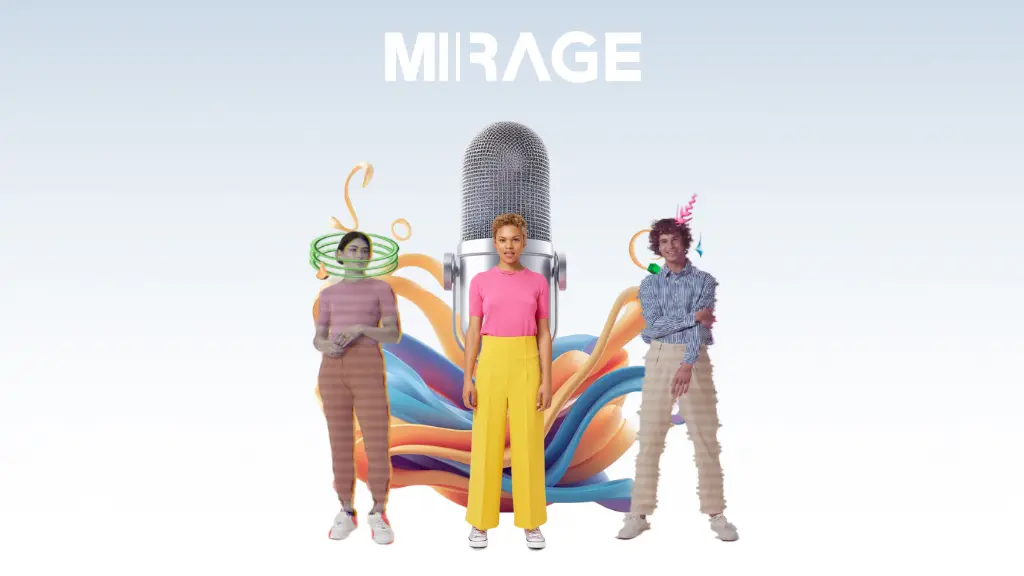
Just imagine how cool it would look like if all of a sudden, a live video is generated from the audio! It’s like performing a magic trick, isn’t it? I would like you to meet Mirage (video avatars), a product of Captions which is reputed to be the first AI program that does the animation of the whole human body, produces accurate movements, and even displays facial expressions the speaker’s voice demands.
Unlike other tools that just animate lips, Mirage creates entire scenes, adds backgrounds, and shows character movements and facial expressions. Let’s get into the details of what Mirage is and why it definitely deserves a place on the must-have list for content creators.
How Mirage Outmatches the Existing Models
Mirage is not only another AI tool to be run with. It represents a breakthrough in video generation with video avatars. This is what constitutes having it to be so impressive:
- Full-Body Models: Has the capability of generating 3D models of humans which look realistic and are not only face representations but lip movements as well.
- Natural Movements: It is liable to create human-like body postures and movements.
- Dynamic Backgrounds: Brings about holonomic immersion in the environment by acknowledging contextual information.
- Lifelike Expressions: A subtle facial expression is captured to achieve a realistic vision of the face.
- Audio-to-Video Magic: It is the tool which miraculously brings an audio into a video.
Mirage is ensuring a camera studio-less video scenario as the software grants the opportunity for one to the moviejockey.
How Mirage Is Created
Mirage is the most simple AI tool to use without any single improvement, as you can launch it into operation by the following steps:
- Upload Your Audio: The audio file should be provided or the recording can be made directly in the app.
- Let AI Work: Mirage will generate video content with video avatars that will mimic human gestures, show facial emotions, and move their bodies, and in the meantime, the tool will decide on the background.
- Customize & Export: You can visit the website, customize the video according to the settings.
For instance, as a podcaster, Mirage is transforming your audio episode into a compelling video with an absolutely “live” host. This makes your material more attractive and engaging for viewers. It’s like a virtual production team in your pocket!
Who Can Benefit from Mirage?
In fact, Mirage can be utilized by a vast range of creators:
- Content Creators: Convert podcasts or voiceovers into interesting videos.
- Marketers: Design promotion videos without hiring actors or crews.
- Educators: Create interactive lessons together with real-life presenters.
- Storytellers: Illustrate your stories with life-like characters.
Mirage doesn’t care about your field of interest, it is the tool that lets you create professional videos in just a few clicks.
Conclusion
Mirage is the ultimate tool for transforming sound into realistic videos. Be it an entire human into a 3D model, expertly animated movements, or backgrounds that are constantly in motion, it targets massive audiences of content creators, marketers, and educational professionals.
Are you prepared to revamp your video content? Then, visit Captions.ai/Mirage to access these impressive videos today!
Be sure to try their options for adjustments to bring new and innovative perspectives into your videos. Click “Use tool” and experience the future of video generation!